
You're driving traffic to your website. The ads are running. The SEO is working. But the leads aren't coming in at the rate you expected. Sound familiar? The problem isn't always traffic — it's what happens after someone lands on your site. Conversion Rate Optimization (CRO) is the discipline of systematically improving the percentage of visitors who take a desired action, whether that's filling out a form, making a call, or booking a consultation. In this guide, we'll break down the fundamentals of CRO, explain why it's one of the highest-ROI investments you can make, and show you exactly how to start optimizing your website for more conversions.
What Is Conversion Rate Optimization?
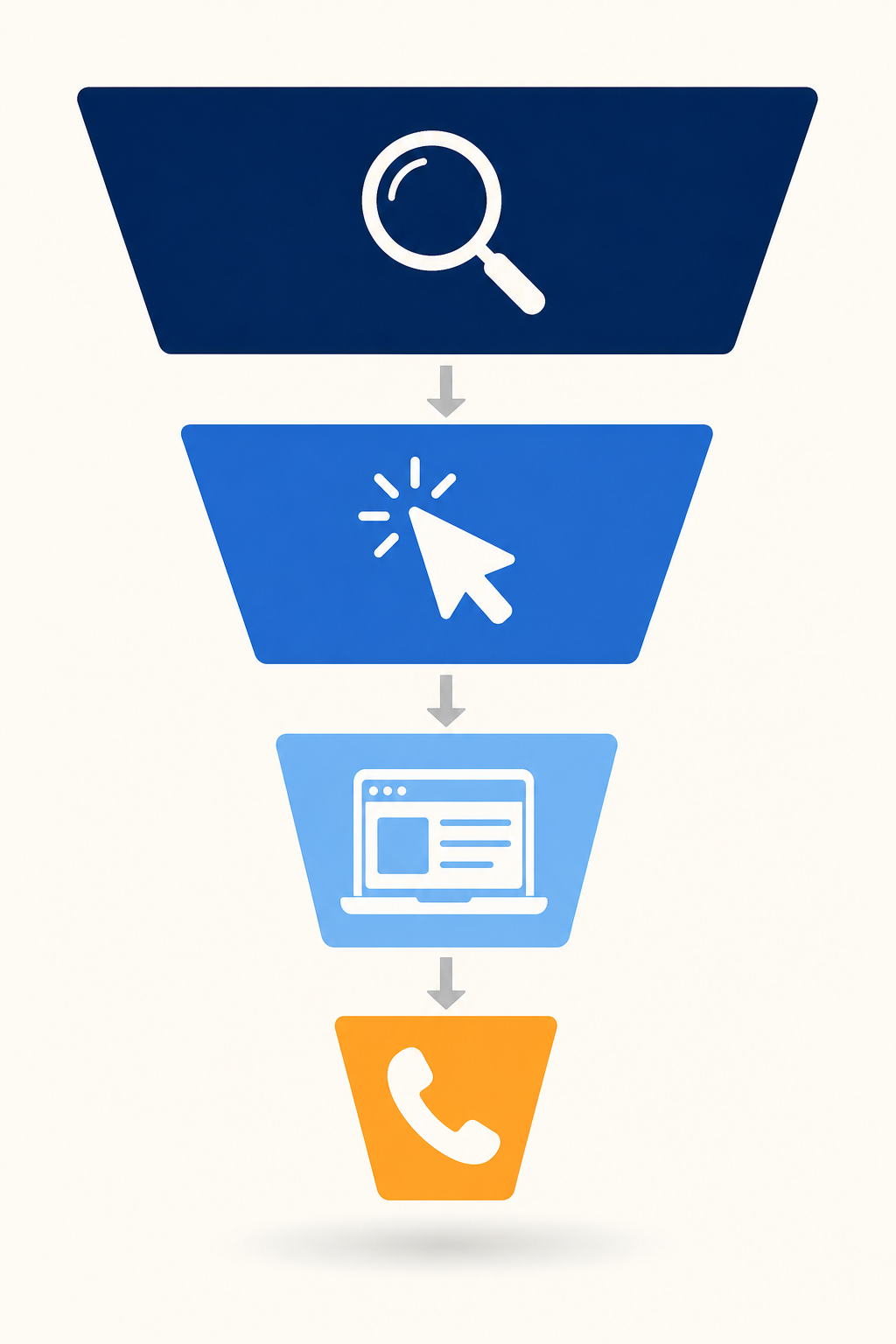
Conversion Rate Optimization is the process of increasing the percentage of website visitors who complete a desired action. Your conversion rate is calculated by dividing the number of conversions by the total number of visitors, then multiplying by 100.
For example, if your landing page gets 1,000 visitors per month and 30 of them fill out your contact form, your conversion rate is 3%. CRO aims to move that number higher — to 5%, 8%, or even 15% — without increasing your ad spend or traffic.
Why this matters financially: If you're spending $5,000/month on Google Ads and your conversion rate is 3%, you're getting 30 leads. Improve that to 6% through CRO, and you get 60 leads for the same $5,000. You've effectively cut your cost per lead in half without spending a single extra dollar on advertising.
CRO encompasses everything from headline copy and button colors to page layout, form design, trust signals, and page speed. It's data-driven, iterative, and when done right, it compounds over time.
Why CRO Matters More Than Traffic
Most businesses focus obsessively on getting more traffic. More clicks, more impressions, more visitors. But traffic without conversion is just expensive noise.
Here's the reality: doubling your traffic costs roughly double the money. Doubling your conversion rate costs a fraction of that — and the results are permanent. Once you've optimized a page, every future visitor benefits from that improvement.
The compounding effect of CRO: A 1% improvement in conversion rate might seem small, but across thousands of monthly visitors, it translates to dozens of additional leads. Over 12 months, that's hundreds of extra customers — all from the same traffic you're already paying for.
CRO protects your ad investment. If you're running Google Ads or Meta campaigns, every click costs money. Sending paid traffic to an unoptimized page is like pouring water into a leaky bucket. CRO patches the leaks so more of your ad spend turns into actual revenue.
CRO improves every channel simultaneously. Unlike paid ads that only help paid traffic, CRO improvements benefit organic visitors, referral traffic, social media clicks, and email campaigns equally. It's the rising tide that lifts all boats.
CRO Fundamentals: Where to Start
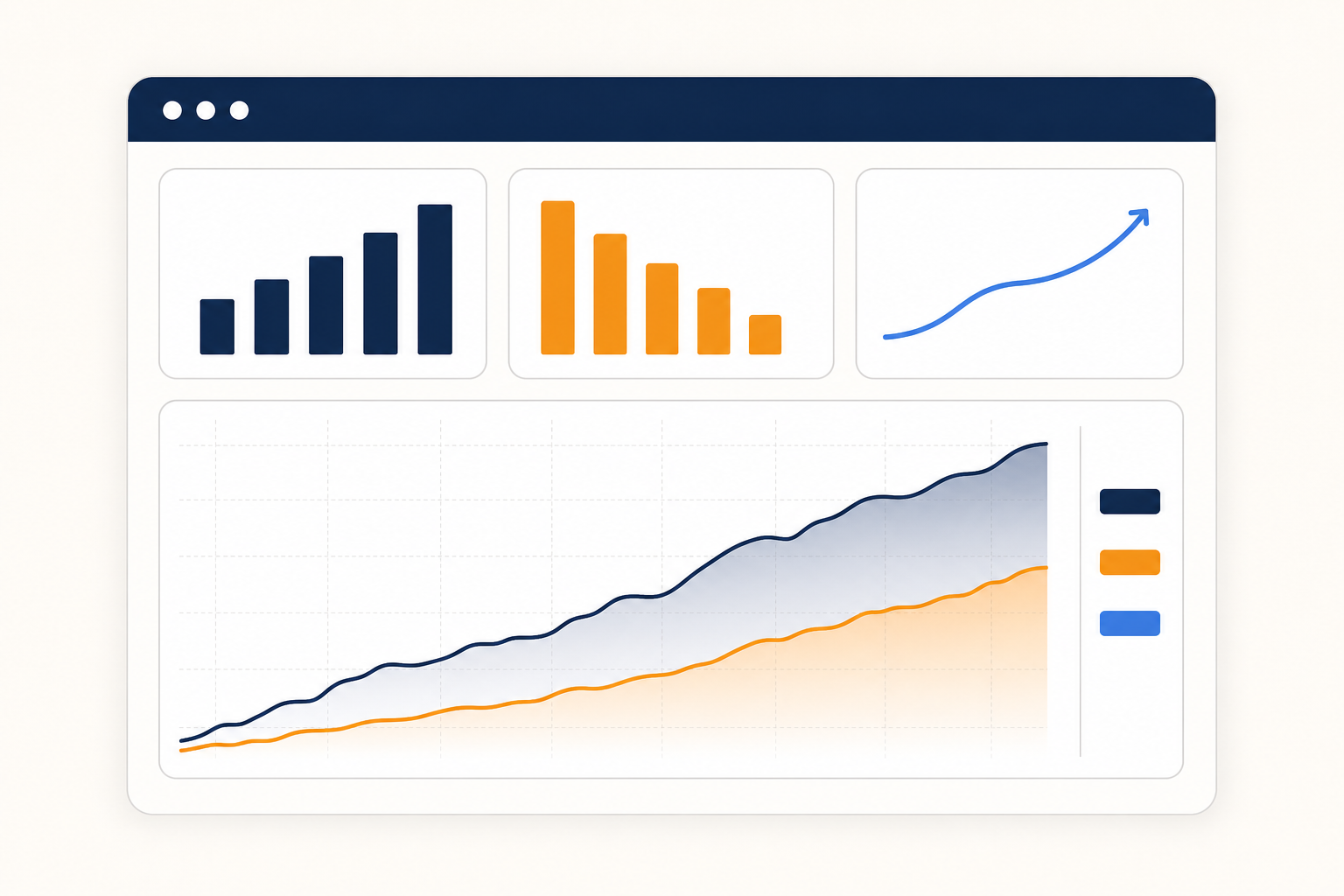
Before you start testing random button colors, you need a systematic approach. Effective CRO starts with understanding your current performance and identifying the biggest opportunities.
Step 1: Audit your current conversion rates. Use Google Analytics to identify your baseline conversion rates across key pages. Which pages get the most traffic? Which have the highest bounce rates? Where are visitors dropping off in your funnel?
Step 2: Identify your highest-impact pages. Focus on pages that get significant traffic but have below-average conversion rates. These are your biggest opportunities. A page with 5,000 monthly visitors and a 1% conversion rate has far more upside than a page with 200 visitors and a 3% rate.
Step 3: Analyze user behavior. Install heatmap tools like Hotjar or Microsoft Clarity to see where visitors click, how far they scroll, and where they get stuck. Session recordings reveal friction points that analytics alone can't show.
Step 4: Develop hypotheses. Based on your data, create specific hypotheses: "If we move the contact form above the fold, conversion rate will increase because visitors won't need to scroll to take action." Each hypothesis should be testable and measurable.
Step 5: Prioritize and test. Not all tests are created equal. Use the ICE framework (Impact, Confidence, Ease) to prioritize which tests to run first. High-impact, high-confidence, easy-to-implement tests should go first.
A/B Testing: The Engine of CRO
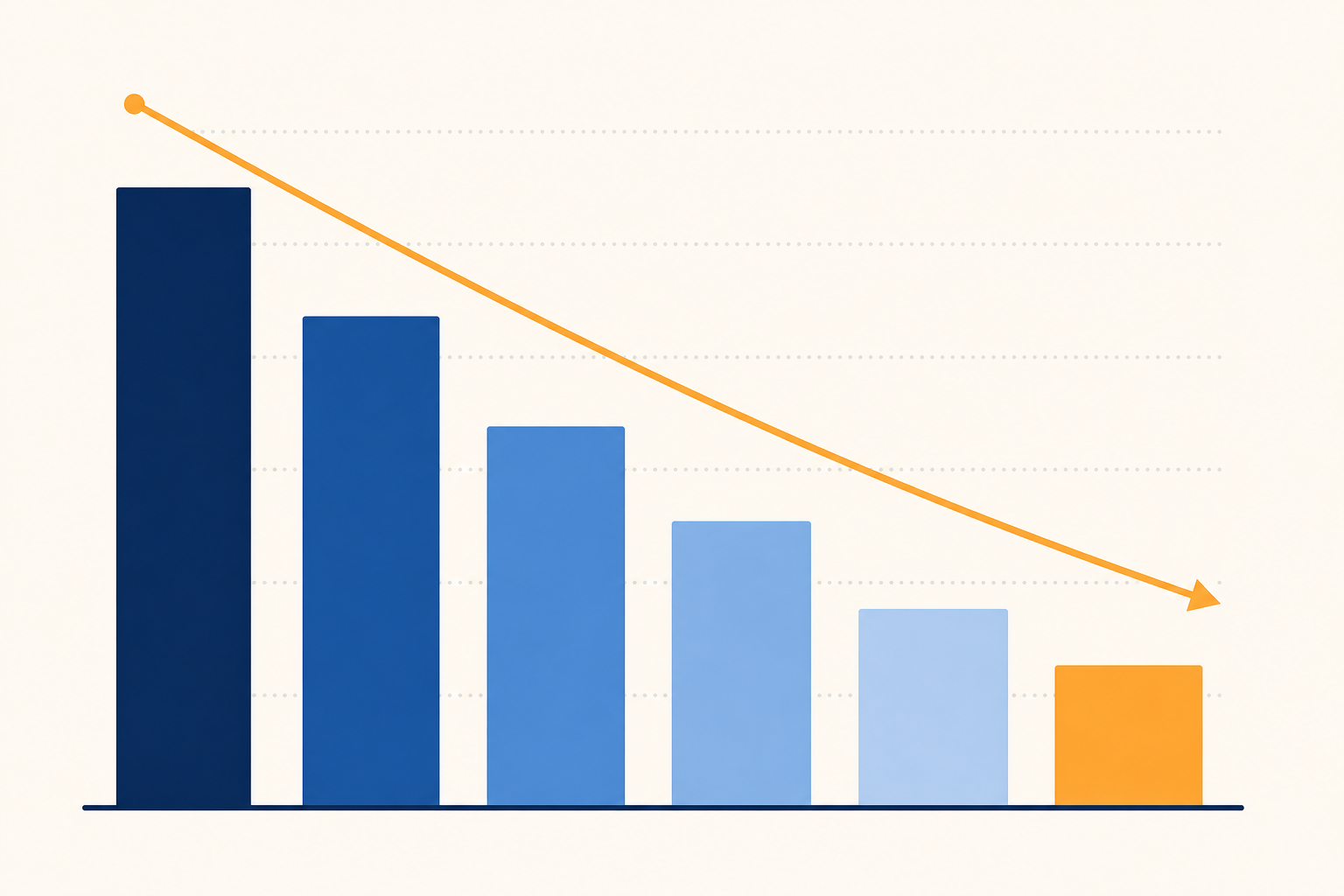
A/B testing (also called split testing) is the core methodology of CRO. You create two versions of a page element, show each version to a random half of your visitors, and measure which one performs better.
What to test first: Headlines are typically the highest-impact element to test. Your headline is the first thing visitors read, and it determines whether they stay or leave. Test different value propositions, urgency levels, and specificity. "Get More Leads" vs. "Get 3x More Leads in 90 Days" can produce dramatically different results.
Call-to-action (CTA) buttons are the second highest-impact element. Test the button text ("Submit" vs. "Get My Free Quote"), color, size, and placement. The CTA should clearly communicate what happens next and reduce anxiety about clicking.
Form length and fields directly impact conversion rates. Every additional field you add to a form reduces completions. Test removing non-essential fields. Do you really need the company name? The phone number? Often, just a name and email is enough to start a conversation.
Statistical significance matters. Don't call a test after 50 visitors. You need enough data to be confident the results aren't due to random chance. Most CRO professionals require 95% statistical significance before declaring a winner, which typically means at least 200-500 conversions per variation.
Test one element at a time. If you change the headline, button color, and form layout simultaneously, you won't know which change drove the improvement. Isolate variables for clear, actionable insights.
Landing Page Optimization
Your landing page is where conversion happens — or doesn't. A well-optimized landing page can convert 5-15% of visitors, while a poorly designed one might convert less than 1%.
The hero section is everything. Visitors decide within 3-5 seconds whether to stay or leave. Your hero section needs a clear, benefit-driven headline, a supporting subheadline, and a prominent CTA — all visible without scrolling.
Message match is critical. If your Google Ad says "Emergency AC Repair in Miami," your landing page headline should echo that exact message. Disconnect between ad copy and landing page copy kills conversion rates. Visitors need instant confirmation that they're in the right place.
Social proof converts skeptics. Include testimonials, review counts, client logos, and case study results near your CTA. People trust other people's experiences more than your marketing copy. A testimonial from a real customer with their name and photo is worth more than any headline you can write.
Reduce friction at every step. Remove navigation menus from dedicated landing pages — you want visitors focused on one action, not browsing your site. Minimize the number of choices. Use directional cues (arrows, eye gaze in photos) to guide attention toward your form or CTA.
Speed kills (or converts). A 1-second delay in page load time can reduce conversions by 7%. Optimize images, minimize scripts, and use a fast hosting provider. Google's PageSpeed Insights can identify specific issues slowing down your pages.
Mobile optimization is non-negotiable. Over 60% of web traffic is mobile. If your landing page isn't optimized for mobile — with tap-friendly buttons, readable text, and fast load times — you're losing the majority of your potential conversions.
Roxfire builds and tests these as part of landing page optimization.
User Experience and Conversion

User experience (UX) and conversion rate are deeply connected. Every friction point in the user journey is a potential exit point.
Visual hierarchy guides action. Use size, color, contrast, and spacing to create a clear visual path from headline to CTA. The most important elements should be the most visually prominent. Secondary information should recede into the background.
White space is your friend. Cluttered pages overwhelm visitors and reduce conversion. Give your key elements room to breathe. Generous spacing between sections makes content easier to scan and CTAs easier to find.
Trust signals reduce anxiety. Security badges, privacy statements, money-back guarantees, and professional certifications all reduce the perceived risk of taking action. Place trust signals near your form or CTA where anxiety is highest.
Micro-copy matters more than you think. The small text near your form fields, buttons, and CTAs can significantly impact conversion. "We'll never share your email" under an email field, or "Free, no obligation" next to a CTA button, can be the difference between a conversion and a bounce.
Cognitive load is the enemy. Every decision you ask a visitor to make consumes mental energy. Reduce choices, simplify navigation, and make the next step obvious. The best converting pages feel effortless to use.
Measuring CRO Success
You can't optimize what you don't measure. Effective CRO requires tracking the right metrics and understanding what they tell you.
Primary metrics to track: Conversion rate (the percentage of visitors who complete your goal action), cost per conversion (total spend divided by conversions), and revenue per visitor (total revenue divided by total visitors). These three metrics give you a complete picture of CRO performance.
Secondary metrics that inform optimization: Bounce rate (percentage of visitors who leave without interacting), time on page (how long visitors engage with your content), scroll depth (how far down the page visitors go), and click-through rate on CTAs.
Set up proper tracking. Use Google Analytics 4 with properly configured conversion events. Set up goals for form submissions, phone calls, and chat initiations. Use UTM parameters to track which traffic sources produce the highest-converting visitors.
Track micro-conversions too. Not every visitor is ready to fill out a form on their first visit. Track micro-conversions like email signups, resource downloads, and video views. These indicate engagement and can be nurtured into full conversions over time.
Build a CRO dashboard. Create a centralized dashboard that shows your key metrics at a glance. Review it weekly to spot trends, identify issues, and measure the impact of your tests. Tools like Google Looker Studio (formerly Data Studio) make this straightforward.
Common CRO Mistakes to Avoid
Even experienced marketers make CRO mistakes. Here are the most common ones we see — and how to avoid them.
Mistake 1: Testing without a hypothesis. Random testing wastes time and resources. Every test should start with a clear hypothesis based on data or user research. "I think a green button will convert better" isn't a hypothesis. "Based on heatmap data showing visitors miss our CTA, moving it above the fold will increase form submissions by 15%" is.
Mistake 2: Ending tests too early. Declaring a winner after a few days of data leads to false positives. Wait for statistical significance. If your test tool shows 95%+ confidence, you can trust the result. Anything less, and you're guessing.
Mistake 3: Ignoring mobile. Testing only on desktop and assuming the results apply to mobile is a critical error. Mobile users behave differently — they have less patience, smaller screens, and different interaction patterns. Test and optimize for both.
Mistake 4: Focusing on trivial changes. Button color tests get all the attention, but they rarely produce meaningful results. Focus on high-impact elements: headlines, value propositions, offers, form design, and page structure. These are the changes that move the needle.
Mistake 5: Not testing your forms. Your form is the final barrier between a visitor and a conversion. Test form length, field order, labels, error messages, and submission confirmation. Even small form improvements can produce significant conversion lifts.
Mistake 6: Forgetting about page speed. All the CRO optimization in the world won't help if your page takes 5 seconds to load. Speed is a foundational requirement. Fix it before you test anything else.
Getting Started With CRO
CRO doesn't have to be complicated. Here's a practical roadmap to get started and see results within 30-60 days.
Week 1-2: Audit and baseline. Install Google Analytics 4 and a heatmap tool. Document your current conversion rates across key pages. Identify the top 3 pages with the most traffic and lowest conversion rates.
Week 3-4: Quick wins. Implement obvious improvements that don't require testing: fix broken forms, improve page speed, add trust signals, ensure mobile responsiveness, and clarify your CTAs. These foundational fixes often produce immediate results.
Week 5-6: First A/B test. Based on your audit data, create your first A/B test. Start with a headline test on your highest-traffic page. Use a tool like Google Optimize (free) or VWO to set up and run the test.
Week 7-8: Analyze and iterate. Review your test results. If you have a winner, implement it permanently and plan your next test. If the test was inconclusive, analyze why and develop a new hypothesis.
The key to CRO success is consistency. It's not about one big test — it's about continuous, incremental improvement. Companies that commit to ongoing CRO see compounding returns over time. A 10% improvement this month, another 10% next month, and another the month after that adds up to transformative results.
At Roxfire, we build CRO into every campaign from day one. Our landing pages are designed for conversion, our ad campaigns are optimized for quality leads, and our reporting shows you exactly where your money is going and what it's producing. If you're ready to stop leaving conversions on the table, let's talk.
CRO is also one of the easier disciplines to start in-house and one of the harder ones to scale. If you reach that ceiling, deciding whether to bring in an agency is the next question.
Ready to Convert More Visitors Into Customers?
Book a free strategy call and we'll audit your current conversion rates, identify quick wins, and build a CRO roadmap tailored to your business.